Installing Power BI:
Go to powerbi.microsoft.com and click on Products -> Power BI Desktop:
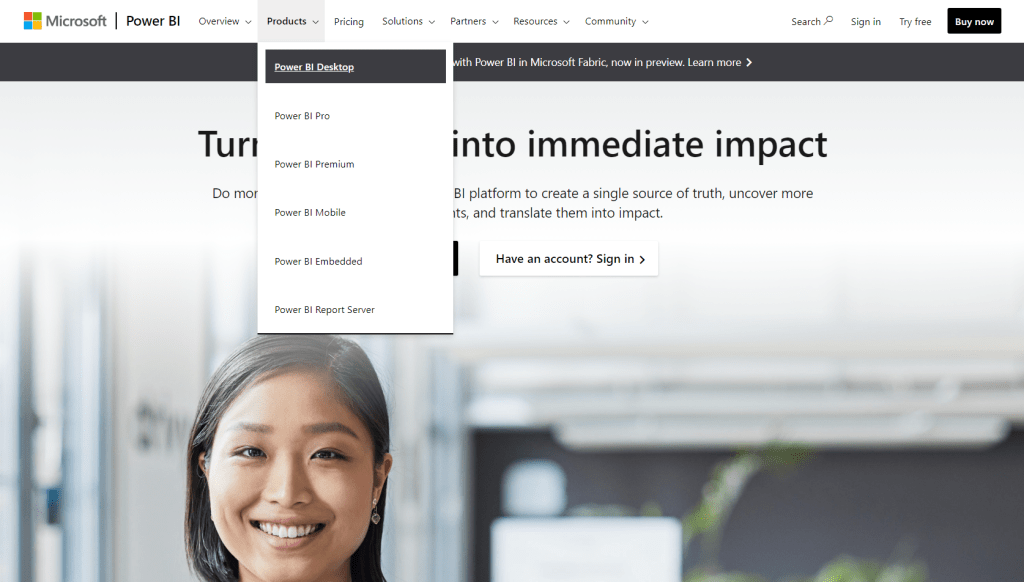
From here you should be able to download a free version:

Once you have the program installed you should be ready to build visuals. However, if you want to publish the visuals you will need to create an account and login to Power BI Service. In order to create an account, you will need a work email. If you don’t have one you can follow this video (I did):
Data Files:
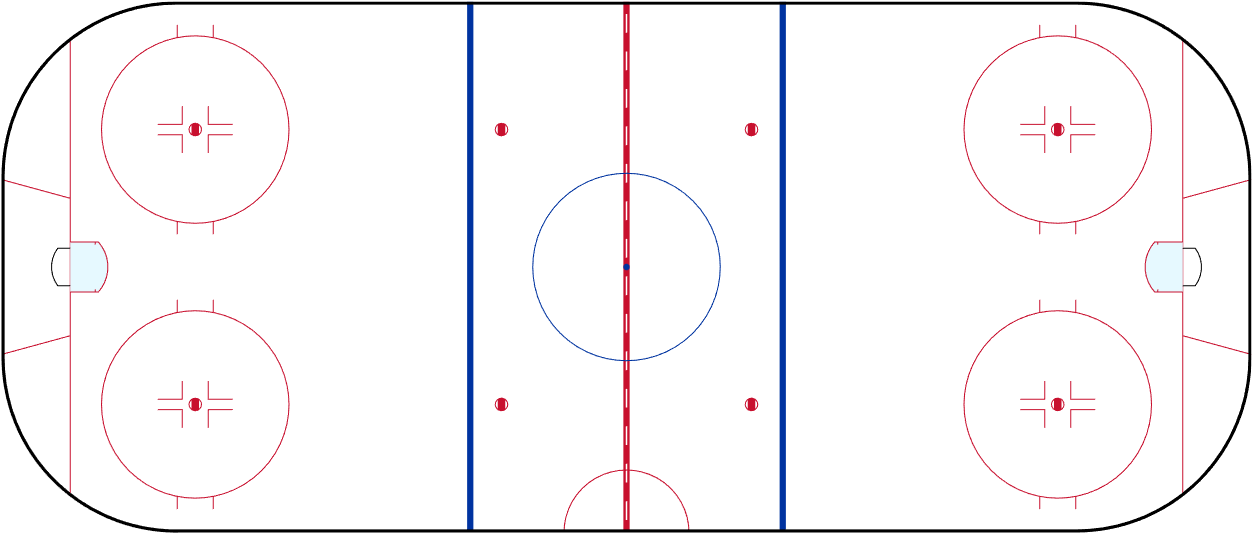
Unfortunately, we can’t use the data from the Viz-Competition, since that data is private. Instead, I will use the Women’s data from the Big Data Cup (credit: Stahletes).
These are the files I will be using during the workshop. If you download them, you should be able to follow along from home… Or perhaps more realistically build the visual for yourself afterwards.
WHKYHAC:
Make sure to check out the presentation/workshop tomorrow at 12.30 PM ET
https://www.youtube.com/@WHKYHAC
Here’s the Program for the Conference:

 Hockey-Statistics